Launch in 1 to 2 Weeks

Free Support for 1 Month

Custom & Modern Designs

Enterprise-Grade Security

100% SEO-Optimised

Built to Convert Leads

Home › Guides › WordPress vs Wix

4.8/5 Rated on Google

WordPress vs Wix: Which Should You Build Your Business Website On?

WordPress suits businesses that want full control, strong SEO flexibility and room to grow, while Wix suits very small sites that need to be live quickly with minimal setup. The right choice depends on how much you want to customise, who will maintain the site and how far you expect it to grow.

Featured & Listed In :

WordPress vs Wix in plain terms

The honest answer to WordPress vs Wix is that they solve different problems. Wix is a hosted website builder: you pay one company, drag elements around in its editor and publish. WordPress is open source software that you install on hosting of your choice, which gives you far more freedom but also more responsibility.

Neither is universally better. We build on WordPress every day, so we have a view, but plenty of small businesses are well served by a simple builder and we will say so where it is true. The rest of this guide sets out the real trade-offs so you can decide on facts rather than adverts. If you are weighing several platforms, our other comparisons cover WordPress vs Squarespace, WordPress vs Shopify and WordPress vs Webflow.

All of our comparisons sit in the guides hub if you want to read around the subject.

Divine Care Services scaled
modern browser mockup scaled

Ownership and control of your website

This is the biggest structural difference. With WordPress you own the files, the database and the content. You can move the whole site to a different host, change developer, or rebuild the design without losing your pages. With a hosted builder, your site lives inside the provider platform. You can usually export some content, but the design and the way the pages are assembled generally cannot be moved elsewhere in a working state.

For a business that expects to keep a website for five or ten years, that matters. Agencies change, prices change and your needs change. Owning the site means you are never trapped by any of them.

The flip side is that with WordPress you need hosting, updates and security handled by someone. That someone can be you, your developer or a maintenance plan. Our WordPress support and maintenance plans start from £99 a month with no lock in contract, which is the sort of arrangement that removes most of the burden.

  • WordPress: you own and can move everything, but you need hosting and upkeep
  • Wix: one supplier for everything, but the site stays inside that platform
  • Think about where you want to be in five years, not only next month

Design flexibility and customisation

Wix gives you a visual editor and a library of templates. For a simple brochure site that is often enough, and the learning curve is gentle. The limit appears when you want something specific: unusual layouts, bespoke functionality, deeper integration with other software, or a design that does not look like a template.

WordPress has no such ceiling. A page builder such as Elementor gives non technical editors a visual way to work, and a developer can go beyond that with custom code, custom post types and integrations with almost any service. That is why larger and more complex sites tend to end up on WordPress. If you want to understand the page builder choices within WordPress itself, read our guide to Elementor vs Divi vs Gutenberg.

Bear in mind that more freedom is not automatically better design. A well chosen template on a simple builder can look better than a poorly built custom site. Quality depends on who builds it, whichever platform they use.

notebook mockup on desk scaled
Pearl Consultancy scaled

SEO, speed and growth

Both platforms can rank. Search engines care about content, structure, speed and links far more than the logo of the platform underneath. That said, WordPress gives you finer control: you can edit URLs, structured data, redirects, sitemaps and page templates, and you can add tools such as Yoast to manage titles and descriptions. If search traffic is central to your plan, that control is valuable, and our WordPress SEO services page explains what we do with it.

Speed depends on build quality and hosting on both sides. A hosted builder gives you decent speed without effort but little room to tune it. WordPress can be extremely fast or painfully slow depending on hosting, theme and plugins, so it rewards careful work.

Growth is where the gap widens. Memberships, bookings, multilingual content, large blogs, custom e-commerce and complex integrations are all well trodden paths on WordPress. If you might sell products later, see WooCommerce development.

Cost, quick comparison and maintenance

On cost, simple builders usually look cheaper at the start and WordPress can look more expensive, but the picture changes over time. With a builder you pay a recurring subscription tied to the platform, and extras are usually add ons from the same provider. With WordPress you pay for hosting, any premium plugins and whoever builds and maintains it. A professionally built WordPress site from us starts from £499, and our WordPress website cost guide and the free cost calculator show what drives the price up or down.

Here is a quick comparison list of the factors that usually decide it:

  • Time to launch: Wix is quickest for a DIY site; WordPress takes longer unless a team builds it, and most of our sites go live in 1 to 2 weeks
  • Ownership: WordPress is portable, Wix is tied to its platform
  • Customisation: WordPress is effectively unlimited, Wix is bounded by what the editor offers
  • SEO control: both can rank, WordPress offers deeper technical control
  • Maintenance: Wix handles it for you, WordPress needs updates and backups
  • Best for: Wix suits a small, simple site; WordPress suits sites expected to grow or integrate with other systems
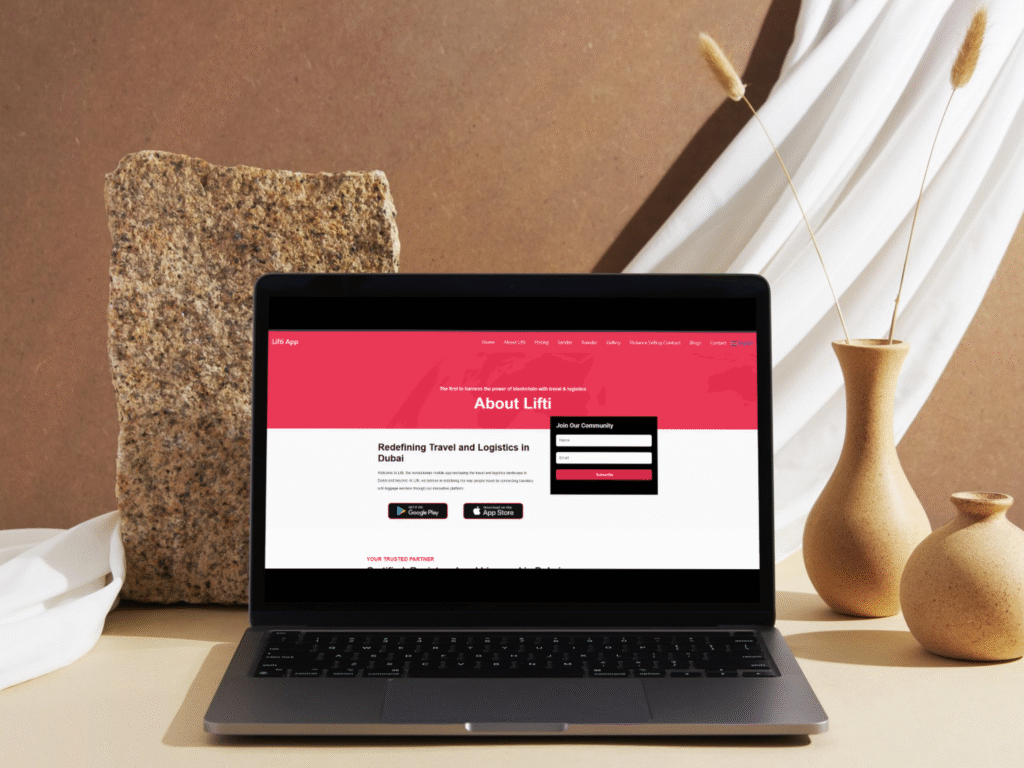
Lifti App scaled

Want to talk it through?

Book a free 15 minute website audit, or call or message us on WhatsApp. Fixed quotes, no obligation.

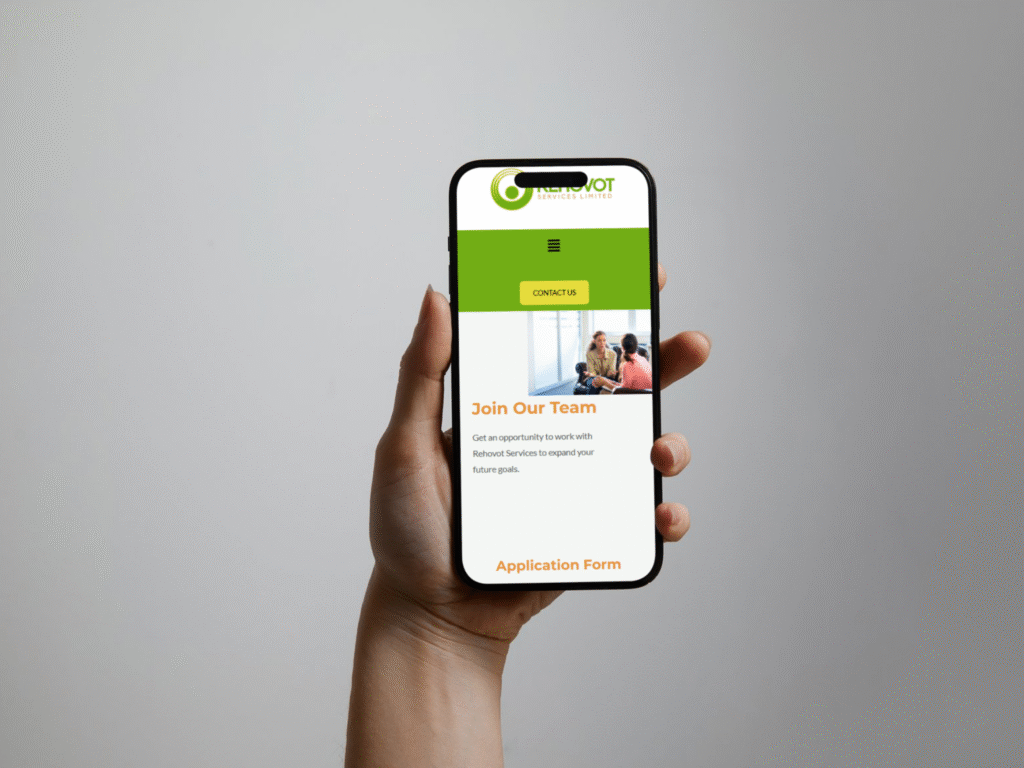
rehovotservices scaled

Questions to ask before you decide

Begin with the practical questions. How many pages will the site need in two years, not only at launch? Will you add bookings, a shop, a members area or several languages? Who will edit the site and how often? A site updated weekly by a busy owner needs a comfortable editor, while one touched twice a year can tolerate something more rigid.

Then consider integrations. If the website has to talk to a CRM, accounting package, booking tool or stock system, confirm early that the platform supports it properly rather than through fragile workarounds. This is one of the most common reasons businesses outgrow a simple builder.

Finally, decide how much dependency you are comfortable with. One hosted supplier is convenient, but it also controls your pricing, features and future. Owning your site on WordPress removes that dependency at the cost of arranging hosting and upkeep. Our WordPress web design team can talk through the practical side in a free 15 minute call.

Mistakes to avoid when choosing a platform

The first mistake is choosing on the demo. Every platform shows its best template, and your real content rarely looks the same. Test with your own text, photography and page structure before deciding.

The second mistake is underestimating content. Clear writing, good photography and a sensible page structure do more for results than the platform ever will, so budget for them whichever route you take.

The third mistake is ignoring the exit. Keep ownership of your domain, keep copies of your text and images, and avoid building the business around a feature that exists on only one platform. If you want a rough WordPress figure, the free cost calculator takes a couple of minutes.

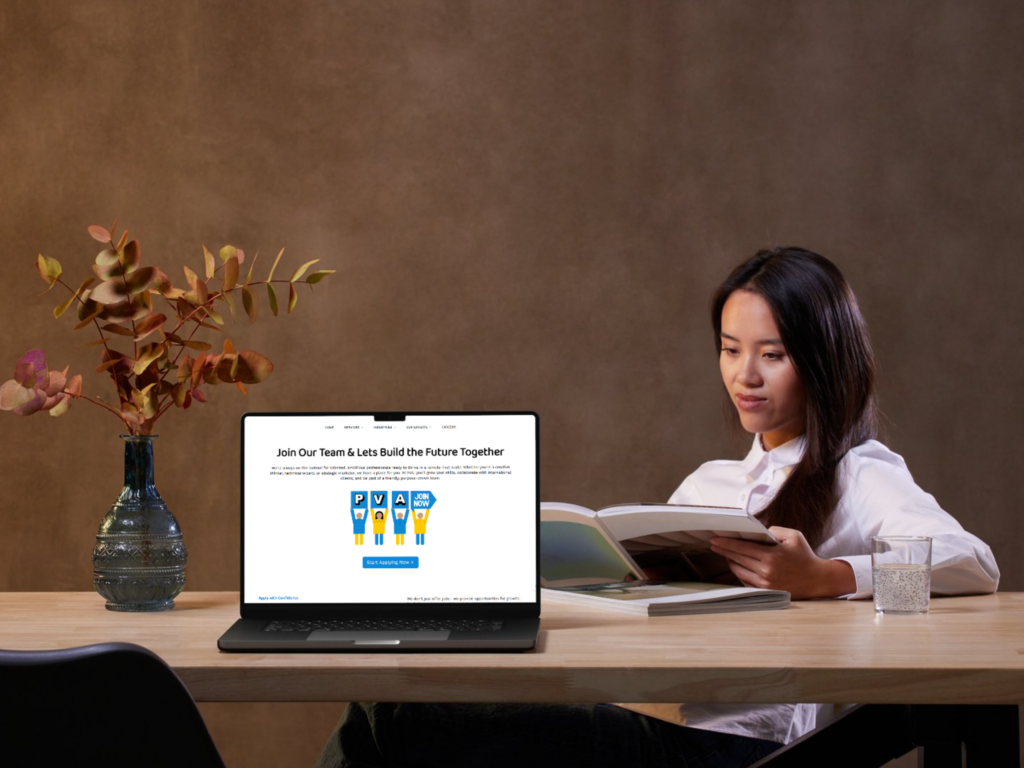
provirtualassist 1 scaled
hand holding phone mockup scaled

Verdict: when each choice is right

Choose Wix if you are a sole trader or tiny business that needs a handful of pages, you are happy to build and edit it yourself, you do not expect complex features, and you value having nothing to maintain. It is a perfectly reasonable choice and we would not push you away from it.

Choose WordPress if search traffic matters to you, you want a design that is genuinely yours, you plan to add features such as bookings, memberships or an online shop, or you want the freedom to change supplier without rebuilding. It is also the better fit if you want a professional to build it and you simply want to run the business.

Consider something else entirely if all you need is a single page with a contact method. A simple landing page or even a social profile may do the job for now, and you can move to WordPress when the business justifies it.

If you already have a site on a builder and are outgrowing it, our redesign and rebuild service handles migrations, including redirects so you keep your search visibility.

Moving from Wix to WordPress, or starting fresh

Moving is very doable but should be planned. The pages will need rebuilding on WordPress, because designs do not transfer, while text and images can be carried across. The part people forget is redirects: every old address should point to its new equivalent so you do not lose rankings or leave customers on error pages. We also check forms, tracking and email setup before the switch.

If you are starting fresh, spend an hour listing the pages you need, the actions you want visitors to take and any features you may want in a year. That list usually makes the decision obvious. If you would like a second opinion, book our free 15 minute website audit or speak to us on +44 7868 697974, or use the contact page. We will tell you honestly whether WordPress is right for you.

Related: Guides hub · WordPress vs Squarespace · WordPress vs Shopify · WordPress vs Webflow · WordPress website cost · WordPress web design

mccampus scaled

Ready for a quote you can trust?

Book a free 15 minute website audit, or call or message us on WhatsApp. Fixed quotes, no obligation.

Answers to Your Common Questions

Is WordPress better than Wix for SEO?

Both can rank well, because search engines reward good content, structure and speed rather than the platform name. WordPress gives you deeper technical control over URLs, structured data, redirects and templates, which matters for larger or competitive sites. For a small local site the difference may be modest.

Is Wix easier than WordPress?

Yes, for a simple DIY site Wix is usually easier to start with because hosting, security and updates are bundled into one product. WordPress has a steeper learning curve unless a developer sets it up for you, after which a page builder makes day to day editing straightforward.

Can I move my Wix website to WordPress?

Yes. The design needs rebuilding on WordPress, but your text and images can be carried across. The important step is setting up redirects from old addresses to new ones so you keep search visibility. We handle this as part of a redesign and rebuild.

Which is cheaper, WordPress or Wix?

A simple site you build yourself on Wix is usually the cheaper start. WordPress costs more upfront if professionally built, with websites from £499 with us, but you own the site and avoid platform lock in. Over several years the gap often narrows.

Do I need a developer for WordPress?

Not always. Many people run WordPress themselves with a page builder, but a professional build gives better speed, security and design. Many clients also take a maintenance plan, from £99 a month with us, so updates and backups are handled.

Will WordPress grow with my business?

Generally yes. Online shops, bookings, memberships, multilingual sites and custom integrations are all common on WordPress, so you are unlikely to outgrow it. That flexibility is the main reason businesses choose it over simpler builders.

Get your free 15 minute website audit

Tell us about your project and we will reply within one working day with honest advice and a fixed quote. Prefer to talk? Call +44 7868 697974.