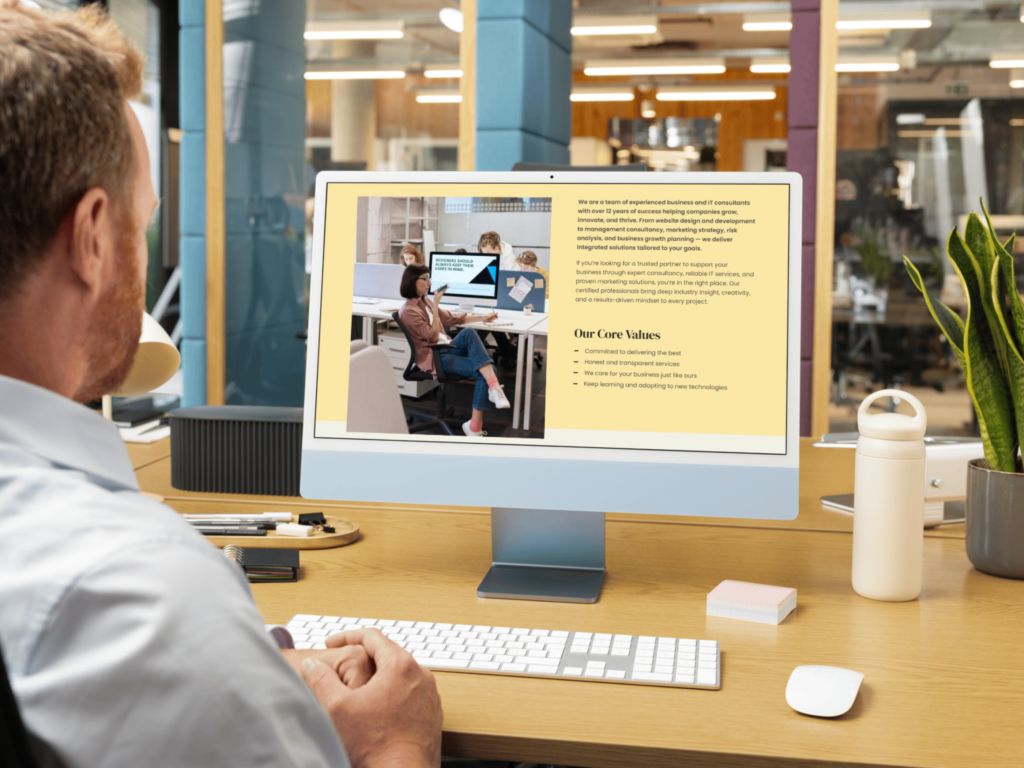
Yes, and that is one of the main reasons businesses choose WordPress. You log in to the dashboard, open a page, change the words or swap a picture, and press update. No coding is needed, and you do not have to wait for a developer to change a phone number or add a news post.
How comfortable you will be depends on how the site was built. A site made with Elementor shows you the page as visitors see it, and you click on a heading or image to change it. That visual approach suits most owners. A heavily customised site with unusual fields can be fiddlier, which is why we set up each site so the things you will change often are simple to reach.
The sensible split is this. You handle the content: text, images, prices, opening hours, blog posts and offers. A professional handles the machinery: updates, backups, security, speed and anything that touches code. Keeping to that division gives you control without the risk of breaking something at a bad moment. If you are weighing who should do what, our guide on who owns your website explains the access you should have.
It also helps to know the basic vocabulary. A page is a standalone piece of content such as About or Contact. A post is a dated article. The media library holds your images. Plugins add features, and themes control the look. Once those five ideas make sense, the dashboard stops feeling intimidating, because nearly every task falls into one of them.
Many owners worry they will lose control of the brand if others can edit. Roles solve this. Administrators can do everything, editors can change content but not settings, and authors can only write their own posts. Give each person the lowest role that lets them do their job.