Launch in 1 to 2 Weeks

Free Support for 1 Month

Custom & Modern Designs

Enterprise-Grade Security

100% SEO-Optimised

Built to Convert Leads

Home › Guides › What Does WordPress Maintenance Include?

4.8/5 Rated on Google

What Does WordPress Maintenance Include? A Plain Checklist

WordPress maintenance normally includes core, theme and plugin updates, regular backups, security monitoring, speed checks and fast fixes when something breaks. Our plans start from £99 a month and have no lock in contract, so you can see exactly what you are paying for.

Featured & Listed In :

What does WordPress maintenance include, in plain terms

What does WordPress maintenance include? In plain terms: keeping the software up to date, backing the site up so you can recover from problems, watching for security threats, checking that pages load quickly and fixing things promptly when they go wrong. Our maintenance plans start from £99 a month, cover all of those, and carry no lock in contract.

A WordPress site is not a printed brochure. It is software that runs on a server, uses code written by many different developers and talks to the outside world all day. WordPress itself, your theme and every plugin release updates, often to fix security holes. If nobody applies them, the site slowly becomes easier to attack and more likely to break.

Maintenance is the routine work that prevents that. Done well, it is invisible, because nothing goes wrong. The rest of this guide lists each part, explains why it matters and shows what to ask for if you are comparing providers or deciding between doing it yourself and paying someone.

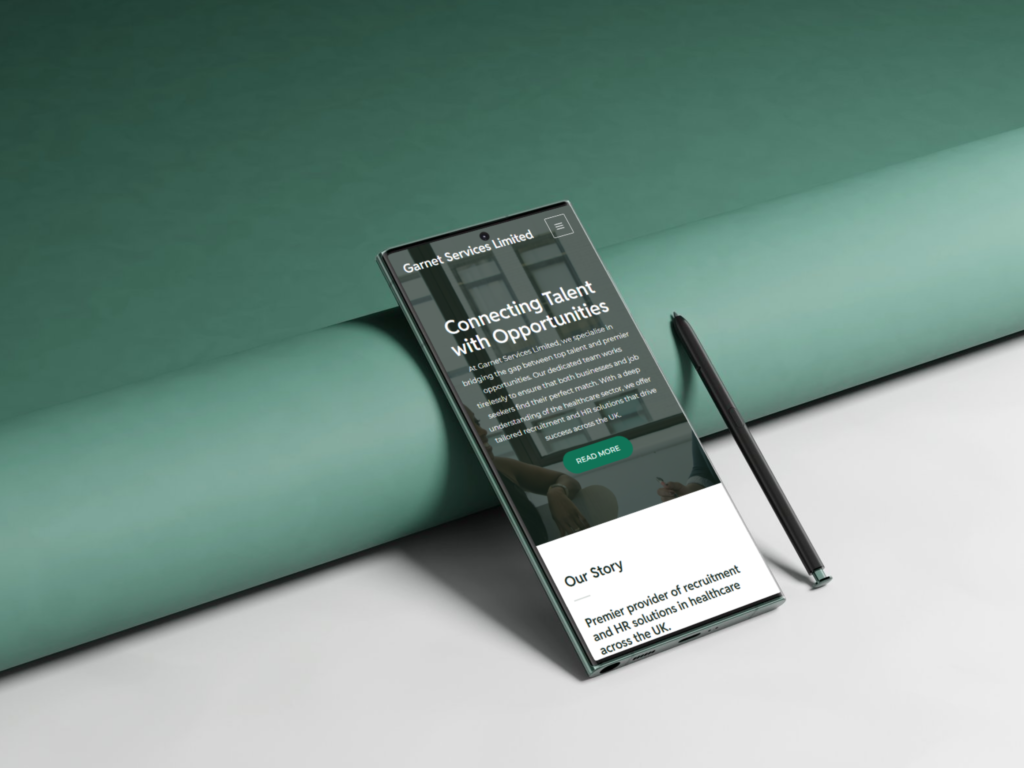
garnetservices scaled
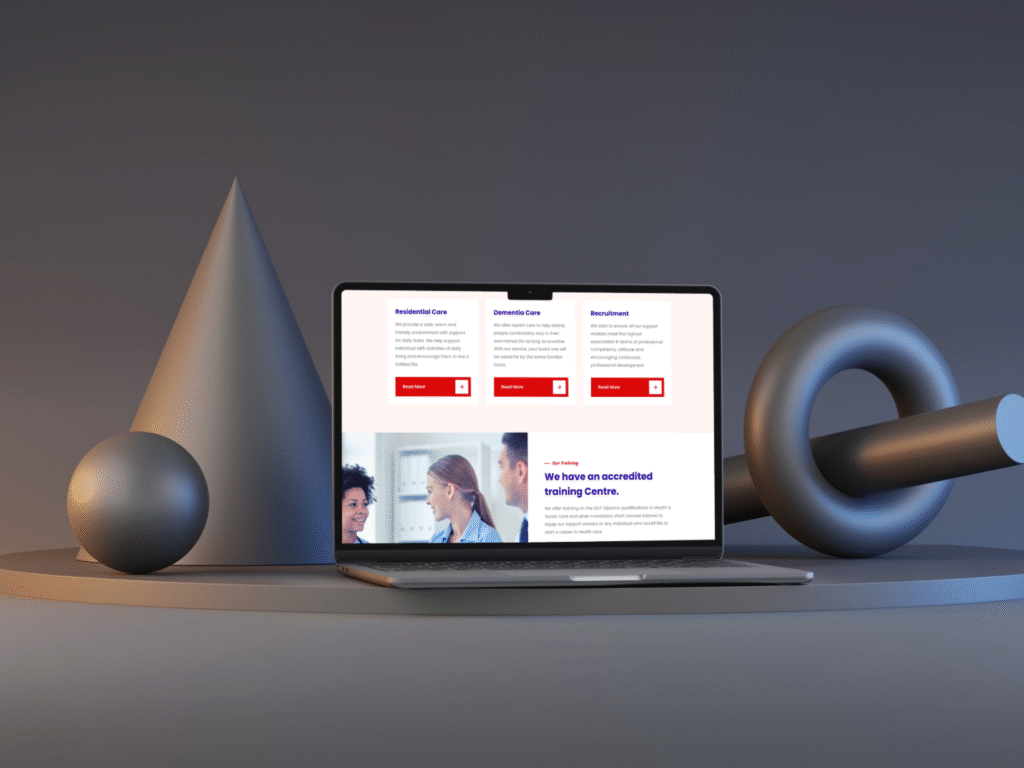
Divine Care Services scaled

Updates for WordPress core, themes and plugins

This is the largest and most important job. WordPress core is updated several times a year, with smaller security releases in between. Plugins and themes release updates much more often. Each update can include bug fixes, new features and security patches.

Applying updates sounds simple, but it carries risk. An update can conflict with another plugin, change how a page looks or, on a shop, break checkout. A careful maintainer takes a backup first, applies updates in a sensible order, checks key pages and forms afterwards and rolls back if something misbehaves. For busy sites, updates are tested on a staging copy first.

Ask a provider how they handle updates. Do they test before and after? Do they check the important journeys, such as the contact form and checkout? What happens when a plugin update breaks something? Our WordPress support and maintenance service follows that careful approach.

Abandoned plugins are another concern. If a plugin has not been updated by its developer for a long time, it can be a security risk. A good maintainer will flag it and suggest replacements before it becomes urgent.


Backups you can actually restore

Backups are your insurance. A site can be lost through hacking, a failed update, human error or a server fault. With a recent backup, recovery takes hours. Without one, you may be rebuilding from scratch.

Good backup practice has four parts. Backups run automatically, at least daily for active sites. Several versions are kept, so you can go back before a problem began. Copies are stored away from the web server, not only on it. And restores are tested, because a backup you have never restored is only a hope.

For shops or sites that take bookings, ask about more frequent backups, since orders arrive all day. Also ask who restores the site, how long it takes and whether it is included. Backup features on your host are useful, and we explain what to look for in our guide on choosing WordPress hosting in the UK. We do not provide hosting but are happy to recommend options.

modern browser mockup scaled

Want to talk it through?

Book a free 15 minute website audit, or call or message us on WhatsApp. Fixed quotes, no obligation.

notebook mockup on desk scaled

Security monitoring and protection

Websites are attacked constantly, mostly by automated tools probing for known weaknesses. Security work reduces the chance that one succeeds and shortens the time to spot it if it does.

  • Firewall and login protection, including limits on repeated login attempts
  • Regular malware scanning of files and database
  • Uptime monitoring so you hear about outages before customers do
  • Review of user accounts, removing old logins and strong password practice
  • Checks that SSL certificates are valid and not about to expire
  • Prompt action if a vulnerability is announced in a plugin you use

Speed checks and performance care

A site that was fast at launch can slow over time. Images are added without optimisation, plugins accumulate, the database grows and a new tracking script appears. Regular speed checks catch drift early.

A routine check usually covers page load times on key pages, mobile performance, image size and format, caching settings, database tidying and whether any plugin is dragging things down. Speed matters for visitors, who leave slow pages, and it is a factor for search visibility. Our overview of WordPress SEO services covers how speed fits with wider search work.

If your site is shifting slowly even after tuning, hosting may be the cause. A maintainer should tell you honestly, not keep tweaking plugins to hide it.

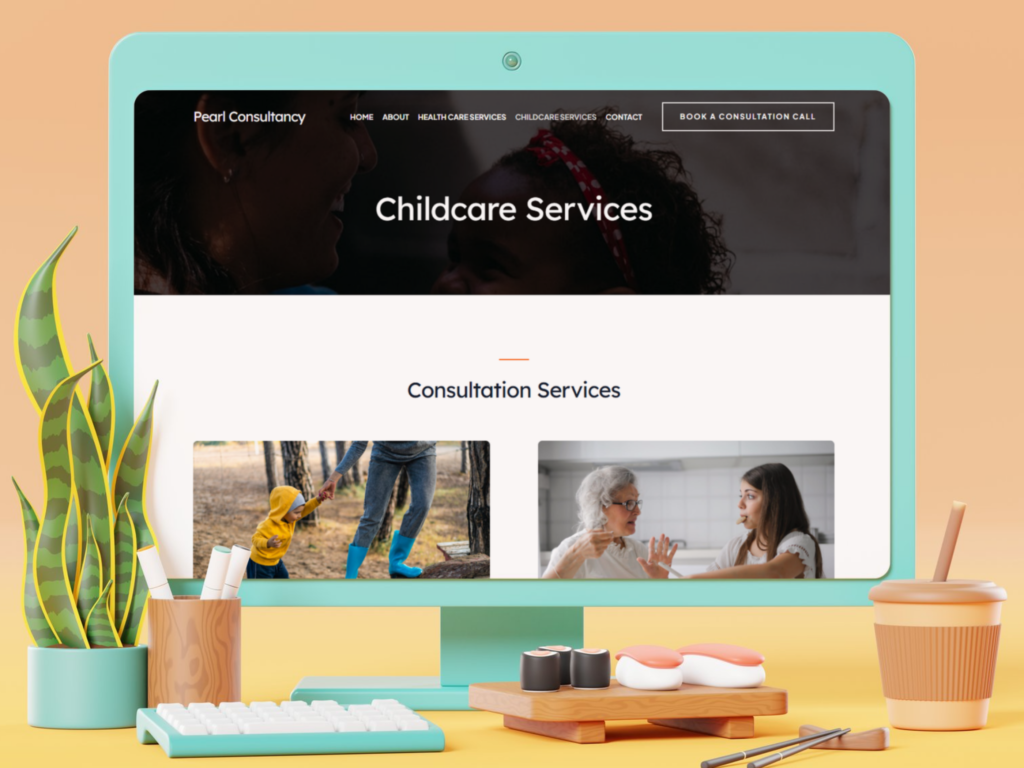
Pearl Consultancy scaled
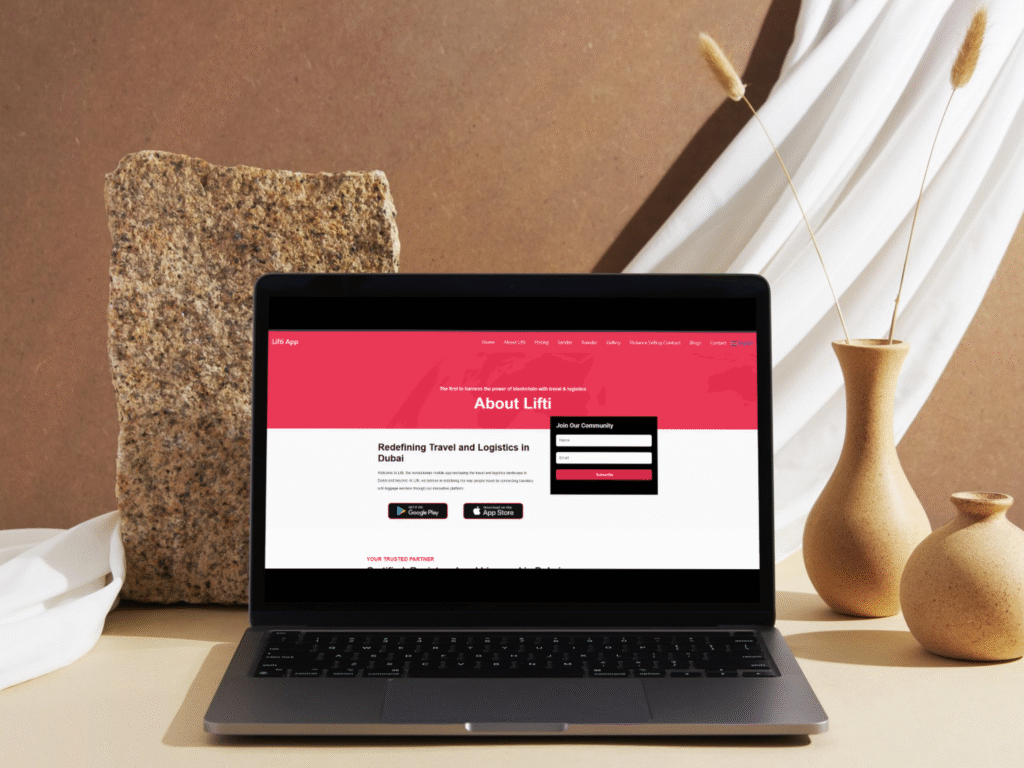
Lifti App scaled

Fast fixes when something breaks

Even well kept sites have problems. A form stops sending email, a page layout breaks on a phone, a plugin throws an error or a font vanishes. The value of a maintenance plan is a quick, competent response instead of a scramble to find someone.

Our plans include fast fixes for problems with the site as it is built. Ask any provider what counts as a fix and what counts as new work. Typical small fixes are included, whilst new pages, redesigns or new features are scoped separately. For larger issues, we also have specific help pages for problems such as a slow site or a hacked site, linked from our services overview.

Response time matters too. Find out how you contact the provider, how quickly they acknowledge a request and whether urgent issues are treated differently.

What is usually extra, and what to avoid

Some tasks are commonly excluded from a basic plan, so check the details: new page builds, content writing and image editing, major redesigns, new features and plugins, shop product loading, advertising and SEO campaigns and email marketing. These are not failures of the plan. They are different work.

Watch for lock in. Some providers require 12 month contracts with penalties to leave. Ours do not. You can start, stop or change plan at any time, and you keep everything we have done. Also watch for vague wording, such as "unlimited support" that is limited in practice, or "security" that means only a plugin installed once.

Another point to check is ownership and access. You should hold the admin account, know where backups are stored and have the details to move providers if you choose. A good provider is happy with that.

rehovotservices scaled
provirtualassist 1 scaled

Do it yourself, or pay for maintenance

You can maintain a WordPress site yourself, and some owners do. The trade-off is time and risk. You need to remember to update, test after updates, keep backups, watch for security warnings and fix problems as they appear. For a hobby site, that may be fine. For a business that depends on enquiries or sales, a single broken afternoon can cost more than a month of maintenance.

A rough test: if the site going down for a day would hurt, someone should be responsible for it. If that someone is you, schedule the time. If it is not you, a plan from £99 a month is usually cheaper than your own hours. To see how this fits the wider cost, read our WordPress maintenance cost guide and the guide on why a business needs a website. If you are based in the capital, see our WordPress maintenance London page.

Start with a free check

If you are not sure what your site currently receives, book our free 15 minute website audit or call us. We will check updates, backups, security and speed, tell you what is missing and explain what a maintenance plan would cover. Plans start from £99 a month, with no lock in contract, and new websites include one month of free support after launch. You can also contact us directly or try the free cost calculator if you are planning a new site.

Related: All guides · WordPress maintenance cost UK · Support and maintenance · Best UK WordPress hosting · Maintenance London · WordPress SEO services · Is WordPress good for small business

hand holding phone mockup scaled

Ready for a quote you can trust?

Book a free 15 minute website audit, or call or message us on WhatsApp. Fixed quotes, no obligation.

Answers to Your Common Questions

What is included in a £99 a month WordPress maintenance plan?

Our plans from £99 a month cover updates, backups, security monitoring, speed checks and fast fixes. New pages, redesigns and new features are quoted separately. There is no lock in contract, so you can change or stop the plan whenever it suits you.

Do I need maintenance if my site is new?

Yes. A new site starts to age immediately, because updates and security patches keep arriving. Our new websites include one month of free support after launch, and a maintenance plan can continue the care afterwards with no lock in contract.

How often should a WordPress site be backed up?

At least daily for most business sites, and more often for shops or sites that take bookings. Keep several versions, store them away from the web server and test restores occasionally so you know they work.

Can maintenance stop my site being hacked?

It reduces the risk considerably by keeping software updated, monitoring for threats and limiting weak points. No one can promise a site will never be attacked. Good maintenance means problems are caught and fixed quickly, with a clean backup to recover from.

Is there a contract or minimum term?

No. Our maintenance plans have no lock in contract. You can start, change or stop when you need to, and you keep full ownership of your site, content and logins throughout.

What if my site is not built by you?

We can take on maintenance for most WordPress sites. Start with a free 15 minute audit, and we will review updates, backups, security and speed, flag any risks and explain what we would do before you commit.

Get your free 15 minute website audit

Tell us about your project and we will reply within one working day with honest advice and a fixed quote. Prefer to talk? Call +44 7868 697974.