Launch in 1 to 2 Weeks

Free Support for 1 Month

Custom & Modern Designs

Enterprise-Grade Security

100% SEO-Optimised

Built to Convert Leads

Home › WordPress Fixes › WordPress Site Migration

4.8/5 Rated on Google

WordPress Site Migration Service: Moving Safely and Cleanly

A WordPress site migration service moves your whole site, files, database, media and settings, from one host or domain to another and checks that everything works before visitors are switched over. Done properly, the live site stays up while the new one is tested, so downtime is minimal.

Featured & Listed In :

What a migration really involves

A WordPress migration has more parts than copying a folder. There are the WordPress files, the database holding your posts, pages, users and settings, the uploads folder with media, the wp-config.php connection details, the domain name and DNS records, the SSL certificate and often email. Skip one and you get broken images, missing pages, login loops or lost email.

It also matters which kind of move you mean. Moving to a new host with the same domain is the simplest. Changing the domain name, switching from http to https, or moving from another platform adds URL changes that must be handled correctly in the database. Our hosting move guide covers the host side in more detail, and the fixes hub lists related problems.

rehovotservices scaled
provirtualassist 1 scaled

Types of migration we see

The right approach depends on the case:

  • Host to host, same domain: copy files and database, test on the new server, then change DNS
  • Domain change: move everything and update every URL in the database safely, with permanent redirects from old addresses
  • Staging or development site to live: push content and settings without overwriting orders or form entries made on live
  • Platform to WordPress: content, URLs and redirects planned from the start, for example from Shopify, see our Shopify to WooCommerce page
  • Multisite or very large sites: need an exact plan, since size and scale cause timeouts
  • Agency or freelancer handover: access, licences and documentation gathered first

Want to talk it through?

Book a free 15 minute website audit, or call or message us on WhatsApp. Fixed quotes, no obligation.

How to approach it carefully yourself

If you want to try it, go slowly and keep the old site untouched until the new one has been proven.

  • Take a full backup of files and database from the old host and store a copy off the server. Check the backup actually opens.
  • Lower the DNS TTL on your domain a day or two before, so the switch propagates faster.
  • Freeze changes on a shop or booking site during the move, or you will lose orders made after the copy.
  • Upload files and import the database at the new host, update wp-config.php with the new database details and test the site through a temporary URL or your hosts file.
  • If URLs change, never run a plain text replace on the database. WordPress stores serialised data, and a naive replace corrupts widgets and settings. Use a search and replace tool that handles serialisation.
  • Check permalinks, media, forms, login, SSL and that the Discourage search engines option has not been left on from a staging site.
  • Only then switch DNS, and leave the old hosting running for at least a week or two.
hand holding phone mockup scaled
mccampus scaled

Things that quietly go wrong

Email is the big one. If your mailboxes live at the old host, changing nameservers can stop mail overnight, so keep or recreate MX records first. See our emails not sending guide for the follow up problems. Secondly, mixed http and https content can appear after the move, covered in the SSL mixed content guide. Thirdly, scheduled tasks, caching plugins and security settings may reference old server paths. Finally, a staging copy left indexable can duplicate your site in Google, so check robots settings on both.

When to stop and use a professional

Stop if you run a WooCommerce or membership site with live data, if the database is large, if the domain is changing, if you depend on email at the old host, or if rankings matter and redirects must be precise. Also stop if the old developer has gone and access is unclear, which is more common than it should be. A professional migration is cheaper than recovering from a botched one.

HAeX scaled
nottinghamautorecovery scaled

What our migration service includes

We start with a free 15 minute audit, then give a fixed quote after a quick look. We take backups, build the site on the new server, test it fully, plan redirects if URLs change, handle SSL and DNS, check email records and then switch with the old site left as a safety net. We do not provide hosting, but we are happy to recommend options.

Afterwards, our support and maintenance plans start from £99 a month with no lock in contract. You can hire a WordPress expert just for the move, and contact us with any questions.

After the move

Test forms, checkout, login and key pages. Submit your sitemap again in Search Console, watch for crawl errors for a few weeks and keep the old hosting until you are sure. Run a speed test, since the new server should perform at least as well. If you are moving because the site is tired, a redesign may be better value than a straight copy, and our cost calculator helps, with sites from £499. Book the free 15 minute audit today.

Related: Hosting move · SSL mixed content · Emails not sending · Shopify to WooCommerce migration · WordPress Fixes · Hire a WordPress expert · WordPress maintenance London · WordPress support and maintenance

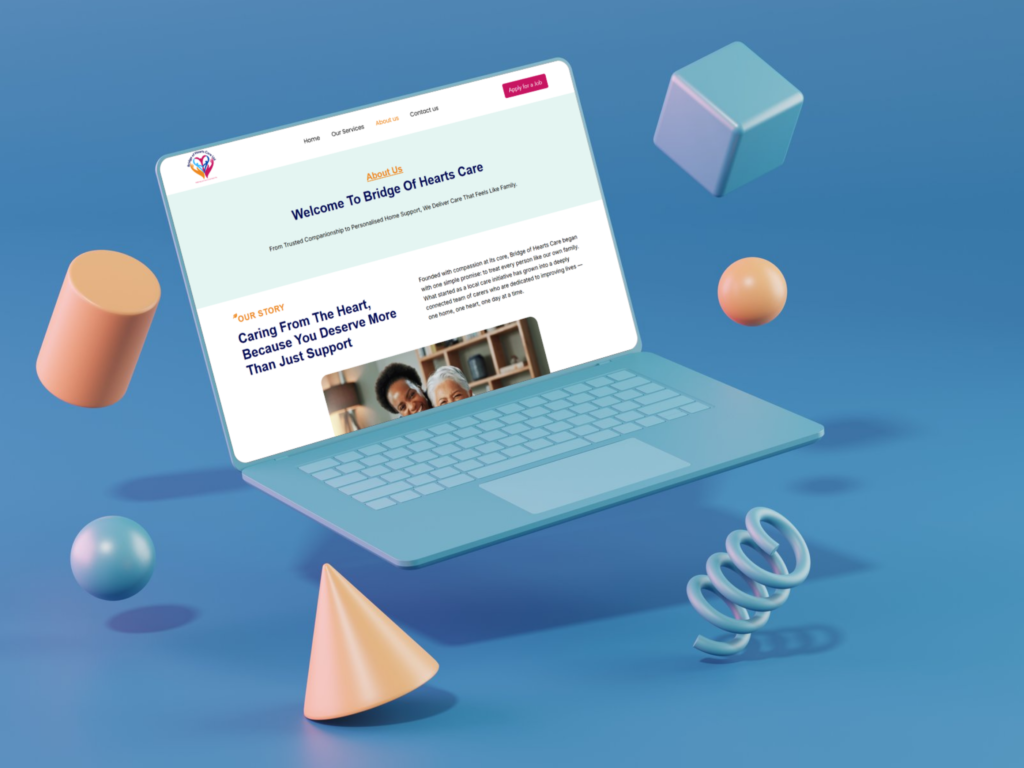
bridgeofhearts scaled

Ready for a quote you can trust?

Book a free 15 minute website audit, or call or message us on WhatsApp. Fixed quotes, no obligation.

Answers to Your Common Questions

Will my website go down during migration?

It should not for more than a brief moment. The new site is built and tested while the old one stays live. Visitors move over when DNS changes, which can take a few hours to settle, so we plan the switch for a quiet time.

Will I lose my Google rankings if I migrate?

Not for a straightforward host move, because the site and URLs stay the same. If the domain or URL structure changes, redirects and Search Console updates matter a lot. We plan these in advance to protect existing visibility.

What about my email when I move hosts?

Email depends on your DNS records, not just your website. If mailboxes are with the old host, keep them running or recreate them and update MX records before switching nameservers. Check email delivery straight after the change.

How long does a WordPress migration take?

A typical small business site can be moved and tested in a day or two. Large shops, multisite networks and domain changes take longer because of testing and redirects. We confirm the timescale in a fixed quote.

Can you migrate a site from another platform to WordPress?

Yes, though it is a bigger project than a host move, because content and URLs must be rebuilt and redirected. See our Shopify to WooCommerce page for one common route, and ask us about others.

Do you provide the new hosting?

No. We do not provide hosting, but we recommend suitable providers and manage the move for you. You keep the hosting account in your own name, which we think is the safest arrangement for you.

Get your free 15 minute website audit

Tell us about your project and we will reply within one working day with honest advice and a fixed quote. Prefer to talk? Call +44 7868 697974.