Launch in 1 to 2 Weeks

Free Support for 1 Month

Custom & Modern Designs

Enterprise-Grade Security

100% SEO-Optimised

Built to Convert Leads

Home › Guides › What Should a Website Homepage Include?

4.8/5 Rated on Google

What Should a Website Homepage Include? A Practical Checklist

A good homepage tells a visitor what you do, who it is for and what to do next within the first few seconds, then backs it up with proof, a short tour of your services and an obvious way to contact you. Everything else is optional, and most weak homepages fail by hiding those basics.

Featured & Listed In :

What should a website homepage include at the minimum

What should a website homepage include? At the minimum: a clear headline saying what you do and for whom, a short supporting line, one main call to action, proof that others trust you, a summary of your main services or products, and easy contact details. If a stranger can answer "what is this, is it for me, and what do I do next?" in about five seconds, the homepage is doing its job.

Notice what is not on that list. A homepage is not your whole business story, a full service catalogue or a place for every announcement you have ever made. It is a signpost. Its work is to send the right people to the right page, quickly. Think of it as the front window of a shop rather than the stockroom.

This guide walks through each element in the order a visitor tends to need it, with notes on what to write, what to avoid and how it all works on a phone, where most of your visitors will see it.

garnetservices scaled
Divine Care Services scaled

The top of the page: headline, sub line and one action

The area visible before anyone scrolls carries most of the weight. Three things belong here.

A headline that says what you do. Clever slogans waste the most valuable space on the page. "Bespoke solutions for forward thinking organisations" tells nobody anything. "Electrical contractors for homes and small businesses across south London" tells everybody. Plain wording wins, and it also helps search engines understand the page. If you are writing it for a local business, include the town or region naturally.

A sub line that adds the proof or the difference. One sentence on who you serve, how fast you respond, or what makes the service different, as long as it is true. Avoid claims you cannot support.

One main button. Pick the single action you most want, such as "Book a call", "Get a quote" or "Shop now", and make it the most visible element. A secondary option such as a phone number is fine, but a screen full of equal buttons means visitors choose none of them.

Add a strong, relevant image or a short clip beside the text, ideally of your real work, premises or team. Generic stock photography of people shaking hands rarely helps and can make a small business look larger and more distant than it is.


Proof that you can be trusted

Visitors arrive uncertain, so trust signals matter early. Put them near the top, not buried in the footer.

  • Ratings and reviews from independent platforms such as Google, with the real score and number of reviews
  • Logos or names of clients you have genuinely worked with, with permission
  • Accreditations, memberships and insurance relevant to your trade or profession
  • Short case studies or before and after examples, linked to fuller pages
  • A real photograph of the people behind the business
  • Years in business, but only if it is accurate and relevant
modern browser mockup scaled
notebook mockup on desk scaled

Services, products and how to get started

Below the opening section, give a short overview of what you offer. Three to six clear blocks work well, each with a heading, a sentence of explanation and a link to the full page. Resist the urge to put everything on the homepage. If you offer a dozen services, group them into categories and let each category link deeper. Our own services page is organised like that.

If you sell products, show a handful of best sellers or categories with clear images and prices where possible. For shops, speed and simple navigation matter more than a long list. Our WooCommerce development service covers how stores are structured to guide buyers rather than overwhelm them.

A short "how it works" section is also valuable, especially for services people buy rarely. Three steps such as "tell us what you need, get a fixed quote, we do the work" reduce anxiety because the buyer can see the path. Keep each step to a line.

Want to talk it through?

Book a free 15 minute website audit, or call or message us on WhatsApp. Fixed quotes, no obligation.

Navigation, footer and contact details

Navigation should be short. Five to seven main menu items is plenty, in plain language: Services, About, Case studies, Contact. Avoid unusual labels. Include a visible "Contact" or call to action in the header so it is always within reach, and keep your phone number clickable on mobile.

The footer is the safety net. It should carry your business name, address if you have a public one, phone, email, opening hours where relevant, links to legal pages such as privacy and cookies, and links to your main sections. If you collect any personal data through forms or analytics, your homepage must link to a privacy policy. See our plain English guide to GDPR and cookies for UK websites for the basics.

Make contact easy in more than one way. Some people want a form, some want to call, some prefer WhatsApp or email. A short form with only the fields you truly need converts better than a long one.

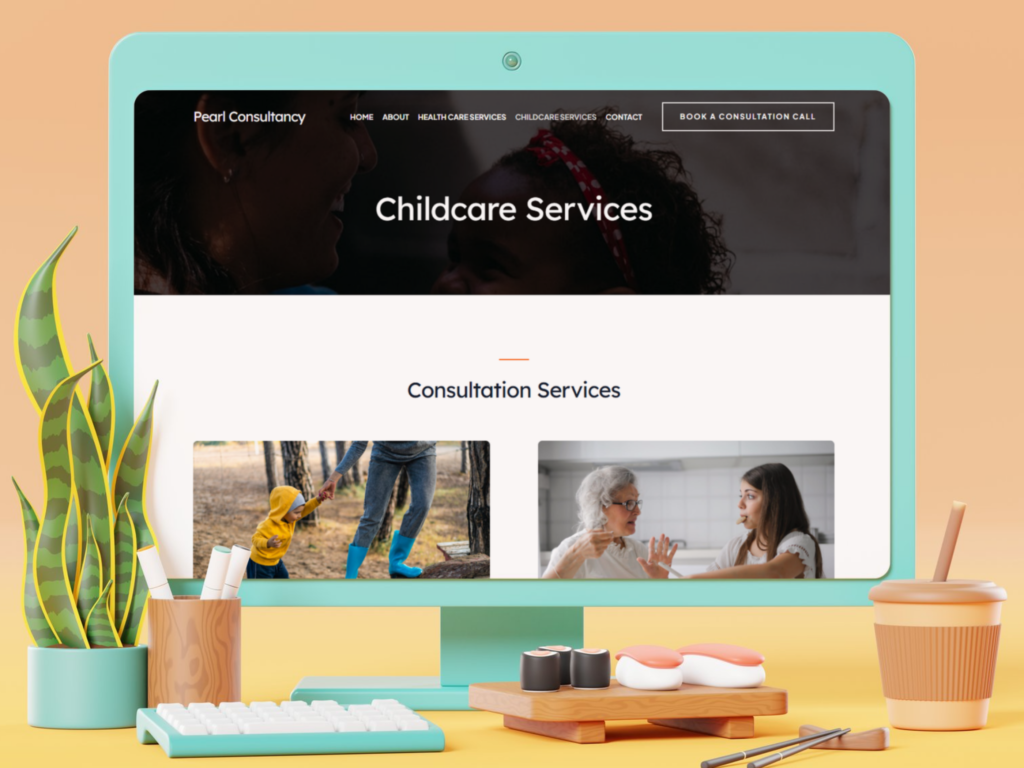
Pearl Consultancy scaled
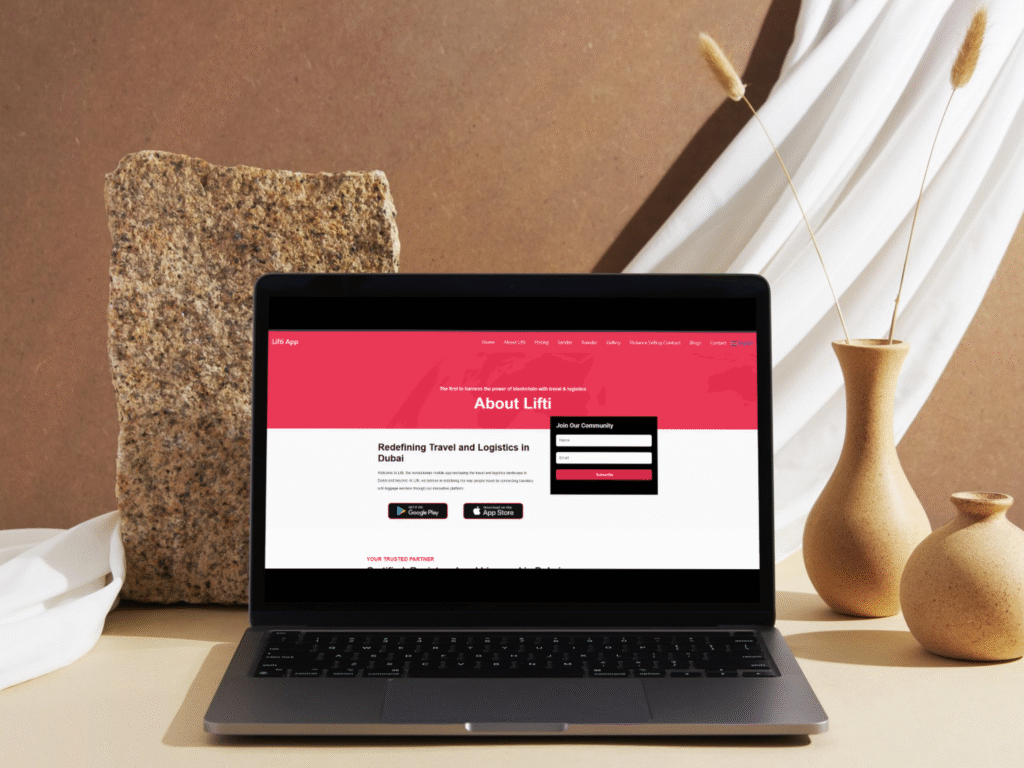
Lifti App scaled

Mobile, speed and accessibility basics

More than half of most small business website traffic comes from phones, so design the mobile version first and the desktop version second. That means readable text without zooming, buttons large enough for a thumb, and no layout that forces sideways scrolling.

Speed shapes first impressions too. Large uncompressed images, too many plugins and slow hosting are the usual culprits. Compress images, avoid auto playing video at the top of the page and keep the number of fonts low. If speed is a concern for your hosting, read our criteria in how to choose WordPress hosting in the UK.

Accessibility is a basic quality, not an extra. Use sufficient colour contrast, give images meaningful alt text, make sure the site can be used with a keyboard and write link text that makes sense out of context. Our overview of WordPress accessibility and WCAG explains what to check.

Common homepage mistakes to avoid

The same problems appear on many small business homepages. Auto rotating image sliders hide your message and are rarely read past the first slide. Long welcome paragraphs push the useful content down. Stock phrases such as "we are passionate about quality" say nothing a competitor could not also say. Too many calls to action leave the visitor unsure what to do. Missing contact details, or contact details only on a separate page, add friction. And a homepage that never mentions where you work, or who you serve, leaves both visitors and search engines guessing.

Another common issue is writing the page about yourself rather than the visitor. Replace "we offer a wide range of services" with a sentence about the problem you solve for them. Read each paragraph and ask whether it answers something a customer wants to know.

Finally, do not treat the homepage as finished at launch. Look at which links get clicked, where people leave and what they search for, then adjust. A homepage that is reviewed twice a year usually outperforms one left untouched for five.

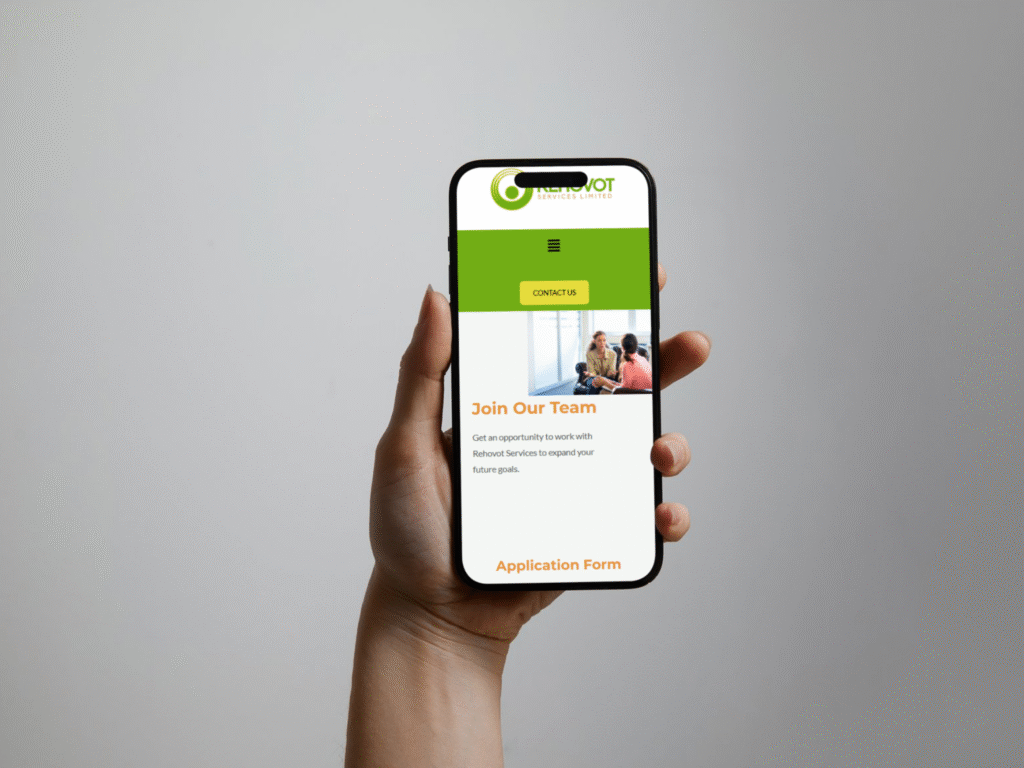
rehovotservices scaled
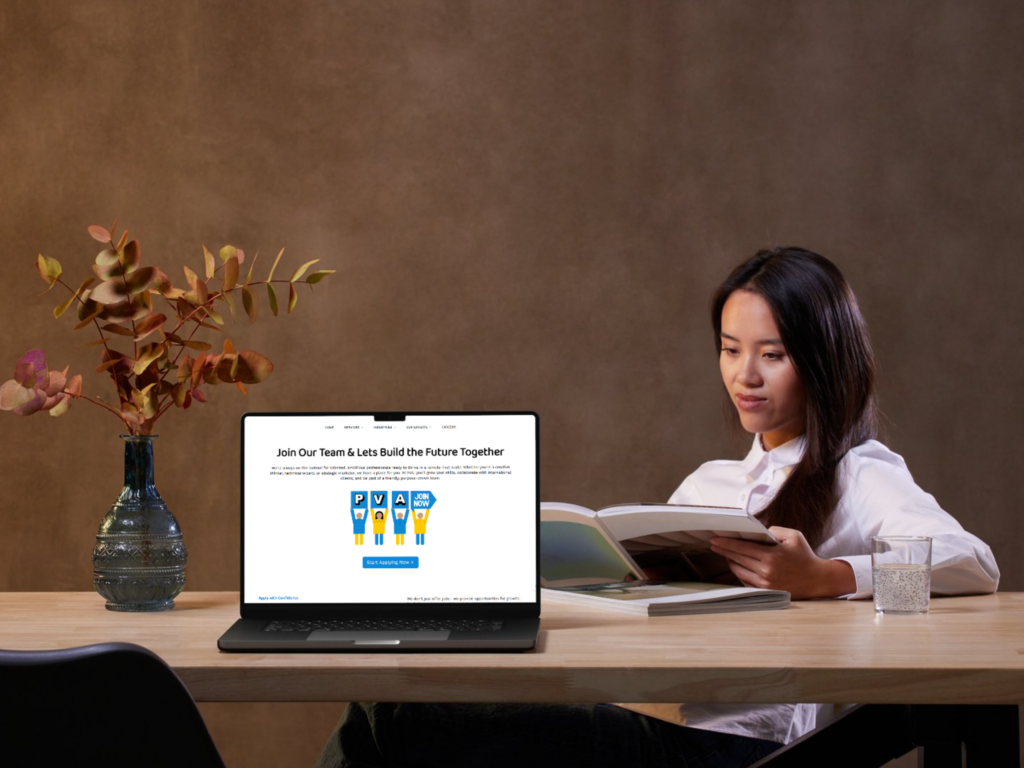
provirtualassist 1 scaled

Get a second pair of eyes on your homepage

If you already have a homepage and are not sure why it is not producing enquiries, a quick review often finds the cause in minutes. Book our free 15 minute website audit or call us and we will look at your homepage together, tell you what we would change and explain what a rebuild would involve. Websites with us start from £499, with a fixed quote upfront. You can also see how this fits a full project in our custom WordPress design service, size up the budget with the cost calculator, or get in touch directly. If you are planning the project, our guide to the reasons a business needs a website is a good companion.

Related: All guides · Why a business needs a website · How to brief a web designer · Custom WordPress design · WordPress web design · Cost calculator · Case studies

Ready for a quote you can trust?

Book a free 15 minute website audit, or call or message us on WhatsApp. Fixed quotes, no obligation.

Answers to Your Common Questions

What is the most important thing on a homepage?

A clear statement of what you do and who it is for, placed where visitors see it without scrolling, with one obvious next step. If those two things are clear, the rest of the page can support them. If they are not, no amount of design will compensate.

How long should a homepage be?

Long enough to answer a visitor's main questions and no longer. Most business homepages work well with five to eight sections, each short and linked to a deeper page. On mobile the page will scroll further, so keep each block tight and the order logical.

Should I put prices on my homepage?

It depends on your business. If your prices are simple and competitive, showing a starting price builds trust and filters out poor fits. If pricing varies a lot, explain what affects the cost and offer a quick quote route instead. Never hide the next step.

Do I need a slider or video on my homepage?

No. Auto rotating sliders are rarely read past the first slide and can slow the page. A single strong image or a short, optional video can help if it is lightweight. Always test speed, especially on mobile connections.

How often should I update my homepage?

Review it at least twice a year, and whenever your services, prices, contact details or best reviews change. Small updates such as new case studies or seasonal offers keep the page accurate and show visitors that the business is active.

Can WWD Agency review my current homepage?

Yes. We offer a free 15 minute website audit where we look at your homepage, point out quick wins and explain what a redesign would involve. Websites start from £499, quotes are fixed and given upfront, and there is no obligation to proceed.

Get your free 15 minute website audit

Tell us about your project and we will reply within one working day with honest advice and a fixed quote. Prefer to talk? Call +44 7868 697974.